
6,900 Ways to Say 'Goodbye' to FontAwesome
React Navigation has been slowly building up its Alpha—and I’m not talking about the team piling onto Satyajit Sahoo during some sort of alcohol-induced tech bro hype moment in Switzerland.
I’m talking about React Navigation releasing a whole swath of updates into React Navigation 8.0 Alpha.
So, what does that even mean?
In short, the React Navigation 8.0 alpha was announced in December 2025, and well... it’s still in Alpha. During its time in Alpha, it has received a number of features and changes that we’d expect from the #1 navigation library.
One of these features is the ability to control how inactive screens are handled. You know the drill: if you’ve been using React Navigation for a while, you’ve probably run into strange issues that made you ask, "Is the screen unmounted, or does it stay active when I push a new screen?" Well, now you can control it with the inactiveBehaviour property. This can be set to “paused” (inactive screens are rendered but effects are cleaned up, using React.Activity under the hood), “unmount”, or “none” (which essentially means the screen stays mounted).
screenOptions: { inactiveBehavior: 'pause', }
The “paused” behaviour is the interesting part here. It means that subscriptions, timers, and effects won’t run, but the actual screen won’t unmount. This is thanks to the new React.Activity API, which we covered in #24.
Another big thing is that React Navigation is now an icon library… okay, that is kind of a joke—or not. They have added support for SF Symbols (Apple’s official library of vector icons that integrate with the system UI and automatically adapt to text weight, size, and dynamic type) on iOS and Material Symbols (Google’s official set of customisable icons used across Android) on Android. So on iOS you would:
import { SFSymbol } from '@react-navigation/native'; function HeartIcon() { return <SFSymbol name="heart.fill" color="tomato" />; }
And on Android:
import { MaterialSymbol } from '@react-navigation/native'; function HeartIcon() { return <MaterialSymbol name="favorite" color="tomato" />; }
You essentially have access to over 6,900 icons on iOS and 2,500 Material Design icons on Android. This points to a larger trend: as discussed in #32 regarding Expo UI; React Native and its libraries are increasingly moving toward honouring platform differences. Also it supports a number of animations out of the box, the result looks like this:
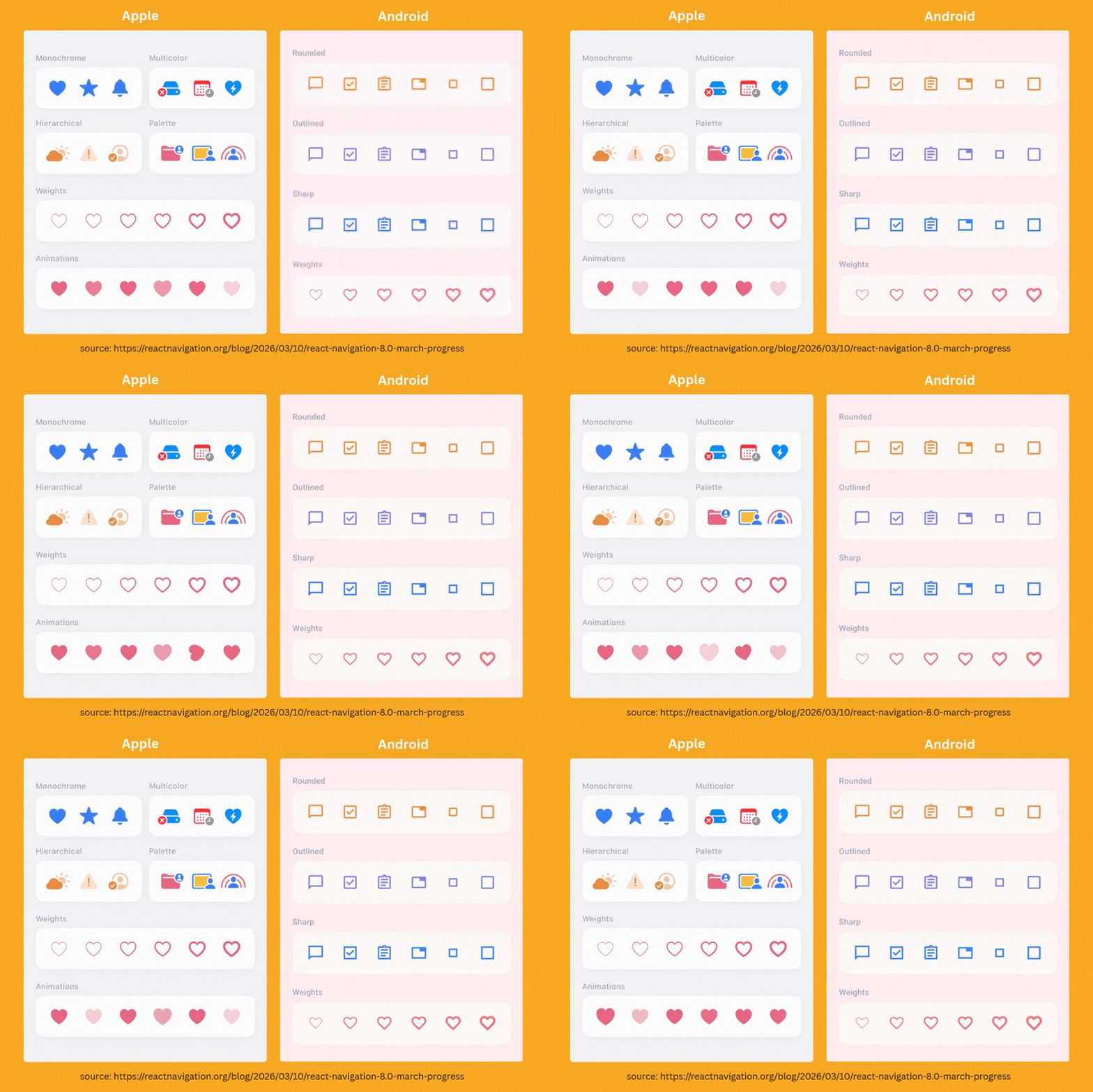
While most of the code remains shared, the goal isn't just to ship a single UI. Instead, you build two UIs following the same structure to ensure the app feels native on each platform. This is why libraries like React Navigation ship specific SFSymbol and MaterialSymbol components rather than a generic "Symbol" superset—it encourages building interfaces that respect and highlight those platform-specific nuances.
So yeah, I guess... fuck FontAwesome and their $99 subscription.
Yeah.. we are probably not getting sponsored by them any time soon.

How React Native Teams Ship Updates in Minutes
Shipping a simple React Native fix shouldn’t take days of App Store review.
With CodePush on Bitrise, you can deliver JavaScript and asset updates directly to users in minutes while staying compliant with store policies.
Join the upcoming webinar to see how mobile teams use CodePush to fix bugs faster, ship features instantly, and keep full control over their release process. We’ll walk through real-world use cases, how CodePush works in practice, and how it fits into your existing CI/CD workflow.
👉 Save your seat to watch it live. If you can’t make it, we’ll send you the recording.

Vibe-Coding Your Way to a Digital Harvest
Have you ever thought about vibe-coding a drag-and-drop puzzle, a real-time strategy game, or a clone of FarmVille so you can finally relive your Facebook-infused childhood?
Well, with React Native Reshuffled… maybe you could.
React Native Reshuffled from Guccio163 sets out to solve that exact issue—being able to build a FarmVille-type game with only React Native. Only joking, but React Native Reshuffled is actually pretty cool. Contrary to the name, it’s not a library that helps you shuffle a virtual deck of cards so you can cheat better at poker.
It’s a freeform drag-and-drop library. The list is so freeform, we think it’s from the '60s.
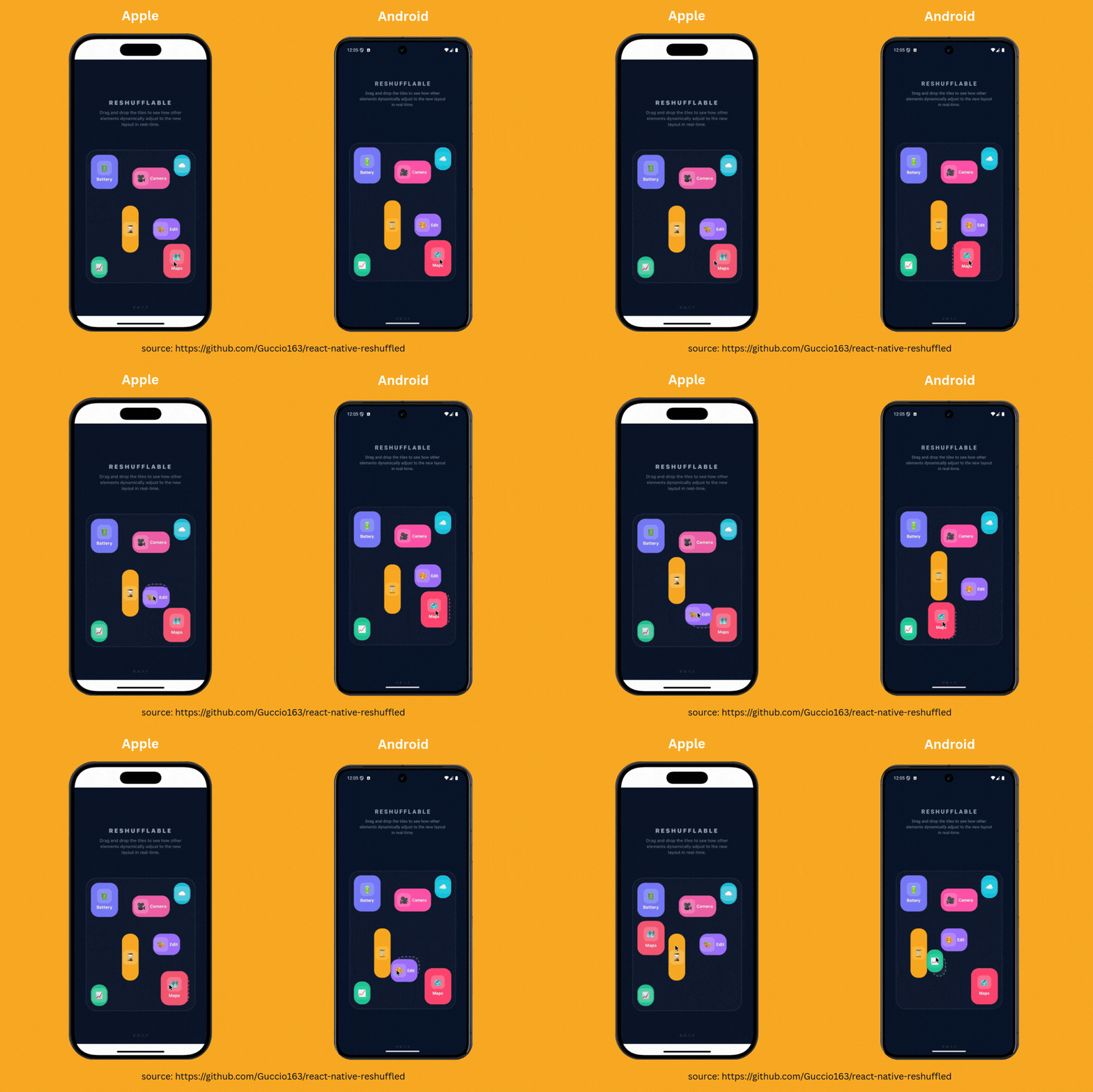
So essentially, you define a 2D grid where items can be placed anywhere. When you drag items to reorder them, it calculates the shortest path and smoothly animates both items. Essentially, it’s a powerful library that could be used to build interactive experiences—such as basic games—all in React Native.
const [data, setData] = useState([ { id: '1', color: '#6200EE', title: 'A', width:1, height: 1, startColumn: 0, startRow: 0 }, { id: '2', color: '#03DAC6', title: 'B', width:1, height: 1, startColumn: 1, startRow: 0 }, { id: '3', color: '#B00020', title: 'C', width:1, height: 1, startColumn: 0, startRow: 1 }, { id: '4', color: '#FFDE03', title: 'D', width:2, height: 1, startColumn: 0, startRow: 2 }, ]); return ( <View style={styles.container}> <Text style={styles.btnText}>RESHUFFLED: GRID<Text> <ReshuffledGrid data={data} columns={2} rows={3} gapVertical={12} gapHorizontal={12} renderItem={({ item }) => ( <View style={[styles.card, { backgroundColor: item.color }]}> <Text style={styles.cardText}>{item.title}</Text> </View> )} /> </View> );
If it seems like magic, that’s because it is.
Nitro magic!
This module is built with Marc Rousavy’s famous Nitro Modules. Judging by the huge amount of libraries using them, they are very much liked by the community.
As a reminder, Nitro Modules are an alternative native module system for React Native that uses direct JavaScript Interface (JSI) bindings with C++ to expose native functionality to JavaScript without using the TurboModules system.
In short, they are fast, type-safe, and make building freeform libraries a lot easier than finding your shoes after a Grateful Dead concert.
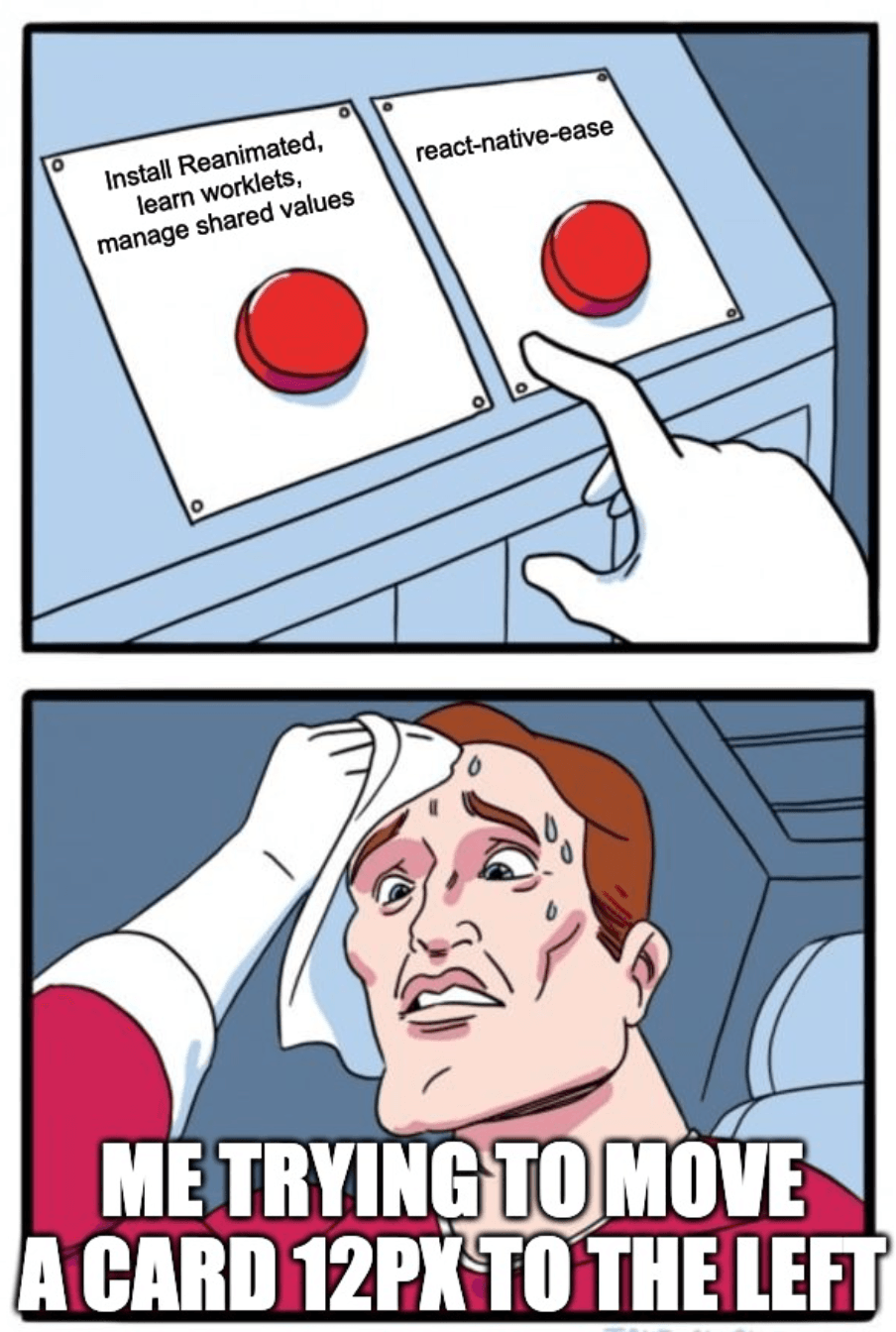
The "I'm Too Lazy for Reanimated" Library
Animations in React Native have slowly turned into a choose-your-own-adventure novel.
You can animate on the JS thread.
You can animate on the UI thread.
You can write worklets (worklets are small JavaScript functions that run on the UI thread to enable smooth, synchronous animations and gestures).
You can write native code.
You can sacrifice a goat to the performance gods.
Or… you can try react-native-ease, a new library from App&Flow that basically says:
“What if we just let the OS do the animations?”
Instead of running an animation engine in JS (or worklets), the library delegates everything to the native animation systems — Core Animation on iOS and Animator on Android.
What does that mean?
No JS animation loop, no worklets, no custom runtime. You just declare the end state, and the system animates to it — very similar to CSS transitions on the web.
import { EaseView } from "react-native-ease"; function Example({ expanded }) { return ( <EaseView style={{ width: expanded ? 240 : 120, height: 120, backgroundColor: "royalblue", }} /> ); }
When the style values change, react-native-ease automatically animates the transition using the platform animation systems.
Here it is how it looks in the practice:
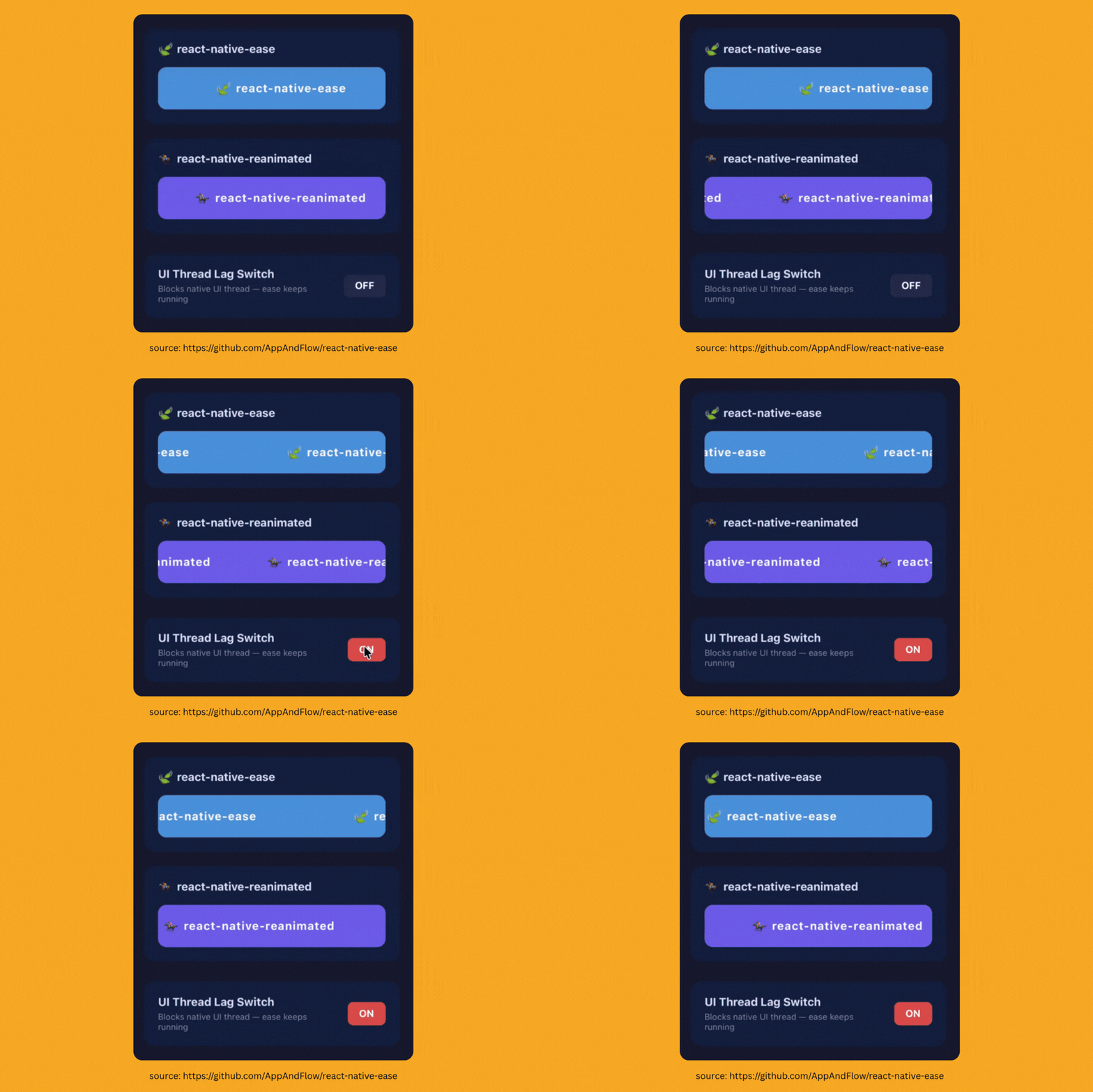
The pitch is straightforward and promising —its fast, simple and lightweight.
But there is a catch (there’s always a catch, my dudes):
It requires React Native 0.76+ and the New Architecture, plus iOS 15.1+ and Android API 24+. So if your app still supports ancient Android devices discovered during Howard Carter's 1922 archaeological dig, this might not be for you and, honestly, maybe it’s time for you to pack your stuff and change to a more up to date company or project.
Still, the idea is interesting.
The React Native animation ecosystem has become… a lot. Between Reanimated, Skia, Layout Animations, and half a dozen experimental APIs, sometimes you just want something that says:
“Here’s the value. Please animate to it.”
And then give them all your money as the good Philip J. Fry would do — “Just take all my money once and for all!”
And then quietly works.
If that sounds appealing, you can check it out here: